Aspect ratio
Reserve space for a photo or video before it loads, so nearby content stays in place.
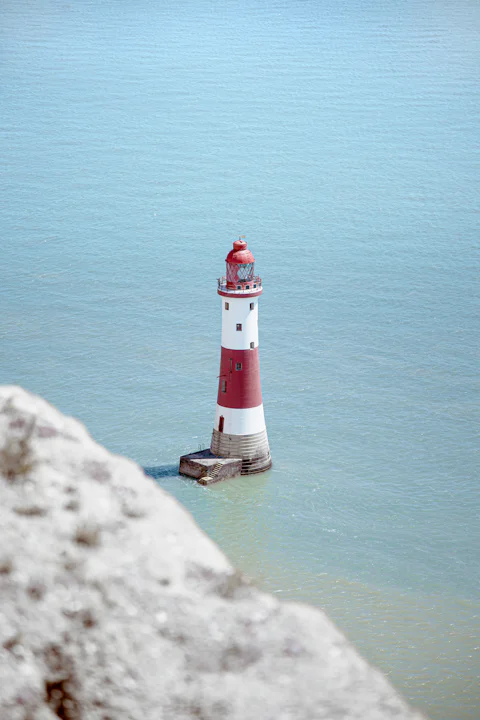
<script setup lang="ts">import { ref } from 'vue'import { UiStack, UiAspectRatio, UiRadioGroup, UiRadio } from 'grani' const photo = '/lighthouse.webp' // your own picture here const fit = ref<'cover' | 'contain'>('cover')</script> <template> <UiStack gap="title" align="center" class="w-full"> <UiAspectRatio :fit="fit" class="w-80 bg-neutral-subtle"> <img :src="photo" alt="A red and white lighthouse over turquoise water" /> </UiAspectRatio> <UiRadioGroup v-model="fit" variant="segmented" aria-label="How the photo meets the box"> <UiRadio value="cover">Cover</UiRadio> <UiRadio value="contain">Contain</UiRadio> </UiRadioGroup> </UiStack></template>
Also called media box, image placeholder.
Usage
<UiAspectRatio>…</UiAspectRatio> With GraniResolver in the Vite config, a template needs no import: set it up once.
API
| Name · type | Default | Description |
|---|---|---|
| rationumber= 16 / 9 | 16 / 9 | Width divided by height, finite and above zero. Examples: 16 / 9, 1, 4 / 3. |
| fitcover | contain= "cover" | "cover" | How media meets the box: cover crops it to fill, contain shows it whole. |
Anything else lands on the root element: native attributes, aria-*, data-testid.
When to use another component
| When you need | Take |
|---|---|
| An avatar | Avatar |
| A block holding the page's shape while loading | Skeleton |
| A chart | Chart card |